

Detect-It 5.0: Built for Faster Setup, Smarter Detection, and Less Downtime
available september 2026 - Version 5.0
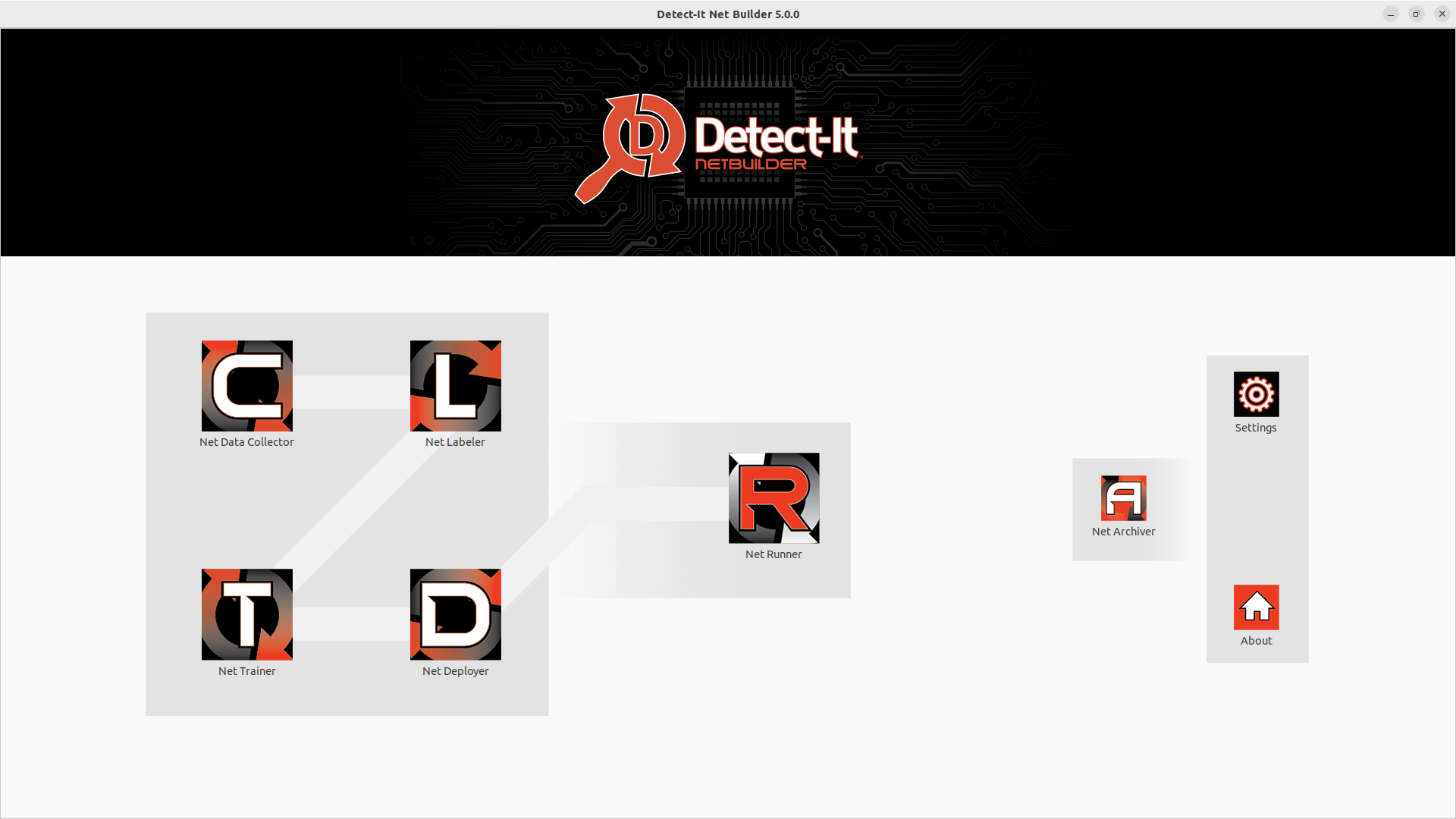
Detect-It Net Builder 5.0, the development environment to create nets.
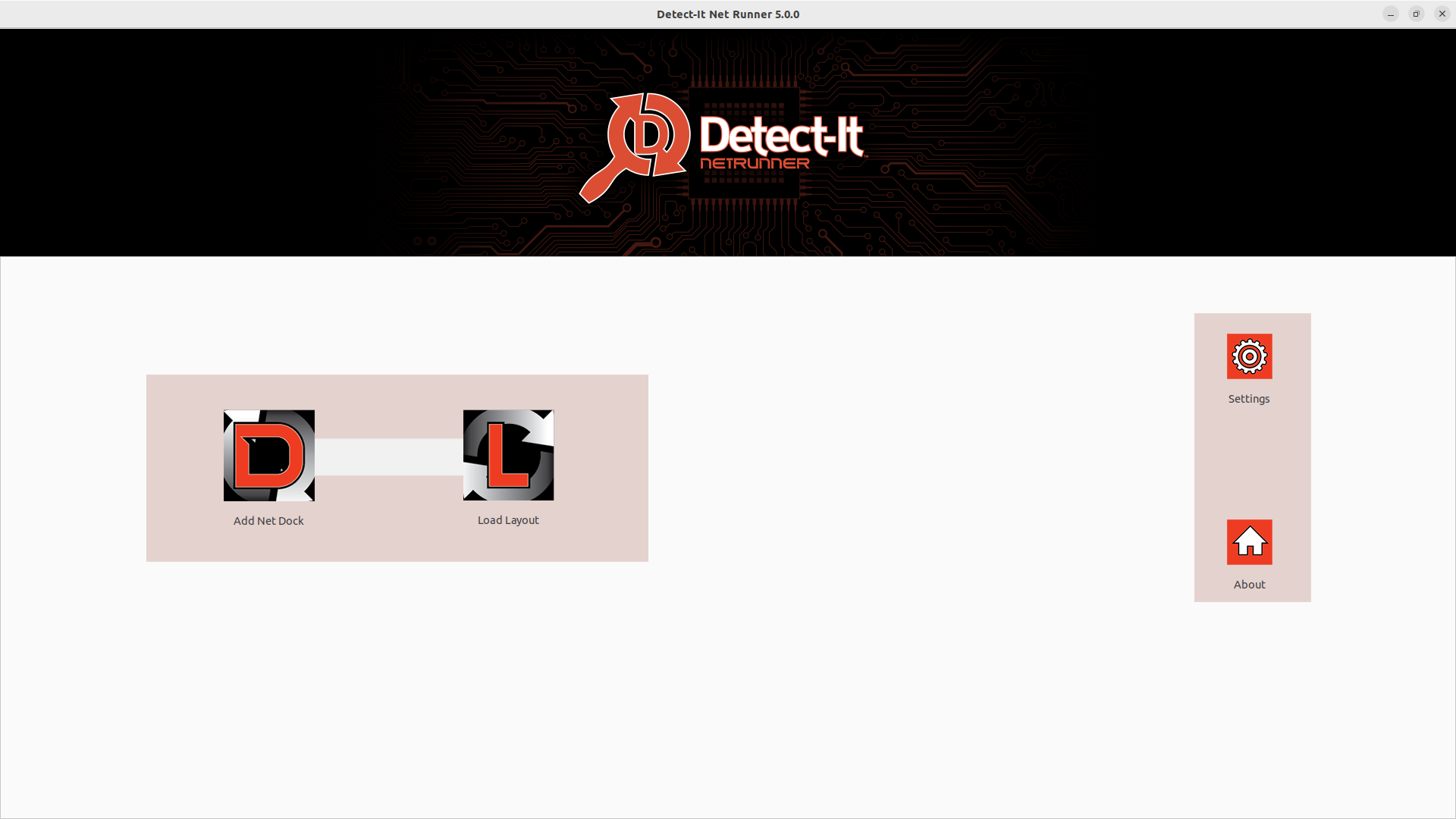
Detect-It Net Runner 5.0, the runtime software for edge deployment.
No-code AI vision inspection is getting a major upgrade. Version 5.0 is our biggest release to date — faster ways to label training data, the ability to run multiple detection networks at once, smarter training tools, and stability improvements built for 24/7 production floors. Here's what's new.
what’s new in 5.0

label faster, even on repetitive parts
If your inspection points involve the same object showing up over and over in a frame — multi-cavity trays, repeated fasteners, arrayed components — labeling used to be the bottleneck. Not anymore.
Magnet Boxer snaps bounding boxes into precise alignment automatically, so labeling stays consistent frame after frame.
Array Boxer lets you label a whole grid of repeated objects in one pass instead of drawing each box by hand.
Annotation workflows across a training set are now faster and more consistent from the first image to the last.

run multiple detection networks at once
Detect-It 5.0 supports running several detection networks simultaneously on the same line — combining results into a single, unified output instead of requiring separate passes or separate systems.
Detection results from multiple networks are merged before they're rendered, so what you see on screen is one clean, combined result.
Detection data delivered to your connected systems (MES, PLC, database) now carries richer camera and network context automatically.

train smarter, not from scratch
Retraining a model used to mean starting over. Now it doesn't have to.
Continue training from existing model weights instead of rebuilding from zero.
Data collection for new training images runs in the background with clear, non-blocking progress feedback.
Collected training data can be sent directly to the Builder for review.

manage layouts across lines and plants
For teams running Detect-It across multiple lines — or multiple facilities — layout management in 5.0 is built to scale.
Load and switch between multiple saved layouts.
Export a complete layout — network packages, scripts, and video files included — and import it on another machine or site.
Built-in validation catches missing files or setup issues before they become a production problem.

Stay Running, Even When a Camera Drops
Camera and connection issues no longer mean a line stoppage.
Improved USB camera remapping and automatic recovery when a feed disconnects.
Select a replacement camera on the fly to restore a lost feed without restarting the layout.
Expanded layout options for video capture, streaming, stabilization, edge detection, rotation, mirroring, and frame-rate control.

A More Powerful Scripting Environment
For teams building custom logic into their inspection workflows, the script editor now includes code completion — with context-aware suggestions for functions, classes, variables, and object types as you type, plus tighter integration with live layouts and running networks.
under the hood
built for the long haul
Underneath all of it: dozens of stability and reliability fixes — cleaner resource handling, better thread management, and improved recovery from camera and connection failures — all aimed at one thing: keeping Detect-It running on your floor, shift after shift, without a hiccup.
ready for detect-it 5.0?
Reach out to our team for a quote or learn more about what's new in this release.
Licensed users can update for free!